Blog
How to Submit Your Glow Event on DrGlow.ca
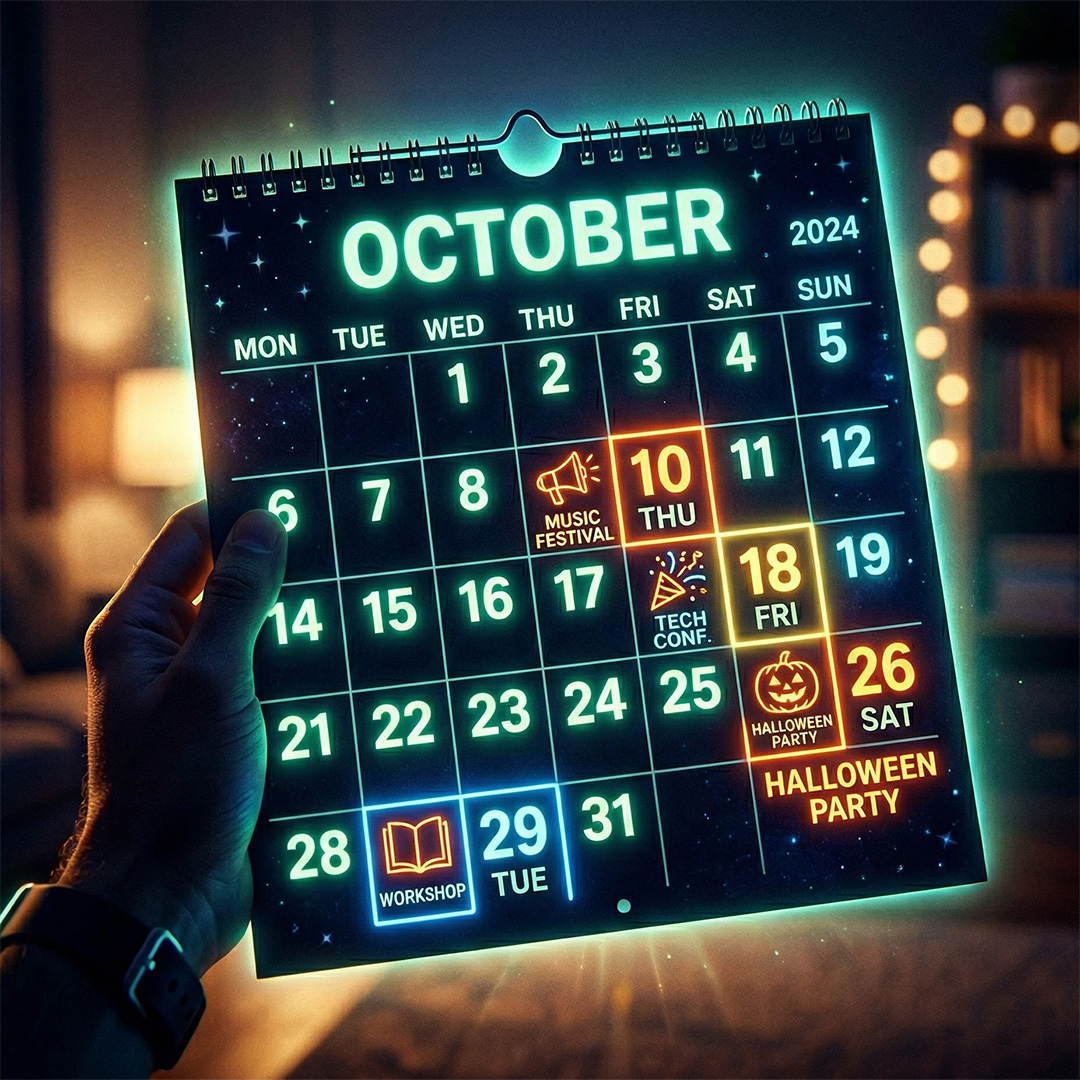
A step-by-step guide for everyone — no tech experience required!
Have a glow disc golf event you'd like to share with the community? Whether you're hosting a casual night round with friends, a local league meetup, or a special glow session, we'd love to have it listed on DrGlow.ca — and help grow the glow disc golf community right across Southern Ontario!
Submitting an event is easier than you might think. Just follow the steps below, and your event will be in front of Southern Ontario's glow disc golf community in no time.
📌 Please note: All submitted events are reviewed before they appear on the site. Once you submit, Dr. Glow will be notified by email and will review your event as soon as possible. You'll hear back once it's been approved!
Before You Begin
You'll need a DrGlow.ca account to submit an event. If you don't have one yet, you can register for free using the account icon in the top right corner of the website on a computer, or at the bottom of the menu on mobile. Once you're logged in, you're ready to go!
Head to the event submission page here: Submit a Glow Event
Once you arrive, click the "ADD NEW" button near the top of the page. The submission form will appear below it.
Step 1 — Give Your Event a Name
The first field you'll see is Event Name. Type in the name of your event — keep it clear and descriptive so people immediately know what they're signing up for.
Example: "Wednesday Night Glow Round at Dentonia" or "Beginner Glow Night — Marilyn Bell Park"
Step 2 — Set Your Date and Time
Under the "When" section, you'll set up when your event takes place.
Event Dates: Click the date field and select your event date (or a date range if your event runs over multiple days).
Times: Set your Start Time and End Time. Click on the time displayed (it will show 12:00 AM by default) and adjust it to your actual start and end times.
Timezone: Make sure the timezone is set to your local timezone. For Southern Ontario events, select America/Toronto (Eastern Time) from the dropdown.
Is this a recurring event? If your event happens on a regular schedule (for example, every Wednesday night), check the box that says "This is a recurring event." Additional options will appear to let you set the repeat schedule (daily, weekly, monthly, etc.). If it's a one-time event, leave this box unchecked.
Event Status: Leave this set to "Active" unless your event has been cancelled.
Step 3 — Set the Location
Under the "Where" section, use the Location Type dropdown and select "Physical Location."
A location search box will appear. Start typing the name of the disc golf course or venue. If the location already exists in our database, it will appear as a suggestion — click on it to select it.
If your location does NOT appear in the list, you'll need to fill in the location details manually. You'll see fields for:
- Location Name — The name of the venue or park (e.g., "Dentonia Park Disc Golf Course")
- Address — The street address of the location
- City/Town — The city or town where your event is taking place (e.g., Toronto, Hamilton, Kitchener, Burlington, etc.)
- State/County — Ontario
- Postcode — ⚠️ This one is important! Please make sure to include the correct postal code. This is what allows people to search for events happening near them on the site. Without it, your event may not appear in location-based searches.
- Country — Canada
Step 4 — Write Your Event Description
The "Details" section is where you describe your event. Think of this as your event's invitation — tell people what to expect!
A few things worth including:
- What kind of event is it? (Casual round, league night, beginner-friendly session, etc.)
- Is it open to all skill levels? (Hint: most glow events are! Don't be shy about saying so.)
- Any gear recommendations? (e.g., "Glow discs recommended — glow tape available if you don't have one")
- Any cost to participate?
- How should people connect with you if they have questions?
You can use the text formatting toolbar above the description box to make your text bold, add bullet points, or include links — similar to writing an email or document.
Step 5 — Choose a Category
Just below the description, you'll see a Category field. There are two options:
- Leagues — Select this if you are submitting an ongoing or recurring league event (such as a weekly glow league night).
- Special Events — Select this for any one-time or standalone event, such as a tournament, showcase night, or a casual group round that isn't part of a regular league.
When in doubt, Special Events is the right choice for most community-submitted events.
Step 6 — Upload an Event Image
You'll see a section called "Event Image" with an "Upload/change picture" button.
Adding a photo makes your event listing stand out and gives people a feel for what the experience will be like. This could be a photo from a past round, a course photo at night, or any image that represents your event.
📐 Image tip: For best results, please upload your image at a 3:2 ratio (for example, 1200 x 800 pixels or 1500 x 1000 pixels). This ensures your image displays properly across the website without cropping or stretching.
To upload: click the "Browse Files" button or simply drag and drop your image into the upload area.
Step 7 — Bookings / Registration (Optional)
You'll notice a Bookings/Registration section near the bottom of the form, which allows players to register for your event directly through DrGlow.ca.
🚧 Please note: This feature is currently in beta testing and may not work as expected. For your event registration needs, we recommend using one of these trusted platforms that the disc golf community already knows and loves:
- DiscGolfScene.com — Great for league management and event listings
- UDisc — Widely used for scorekeeping, event registration, and course discovery
For now, feel free to skip the registration section entirely when submitting your event. You can always include a link to your DiscGolfScene or UDisc event page in the event description field in Step 4!
Step 8 — Submit Your Event
When you're happy with everything, scroll to the bottom of the form and check the consent checkbox to confirm you've read the site's Privacy Policy.
Then click the Submit button.
That's it! 🎉
✅ What happens next? Your event will be sent to Dr. Glow for review. You'll receive an email notification once it's been approved and is live on the site. Dr. Glow aims to review all submissions as quickly as possible, so keep an eye on your inbox!
Need Help?
Have a question about submitting your event, or running into any trouble with the form? Don't hesitate to reach out through our Contact page — we're happy to help get your event listed!
The glow disc golf community grows one event at a time. Whether you're glowing up a course in Toronto, Hamilton, Kitchener, or anywhere in between — thanks for helping make it shine across Southern Ontario. 🌟
About Dr. Glow
Toronto’s glow-in-the-dark disc golf advocate, lighting up the night with all things disc golf!
View all posts by Dr. Glow